



iCloud Sync
Keep supported Apple devices up to date through iCloud.


Track rows, patterns, notes, photos, and reminders by project, all in one place.
Keep supported Apple devices up to date through iCloud.
Project records are handled with care and clear policy links.
Use amimo in the language that feels natural to you.
Start with simple counting, then add notes and records as you need them.
Main Features
The overview and workflow are gathered into the main features here: count rows, keep project details together, remember where to restart, and look back on your progress with the actual app screens.
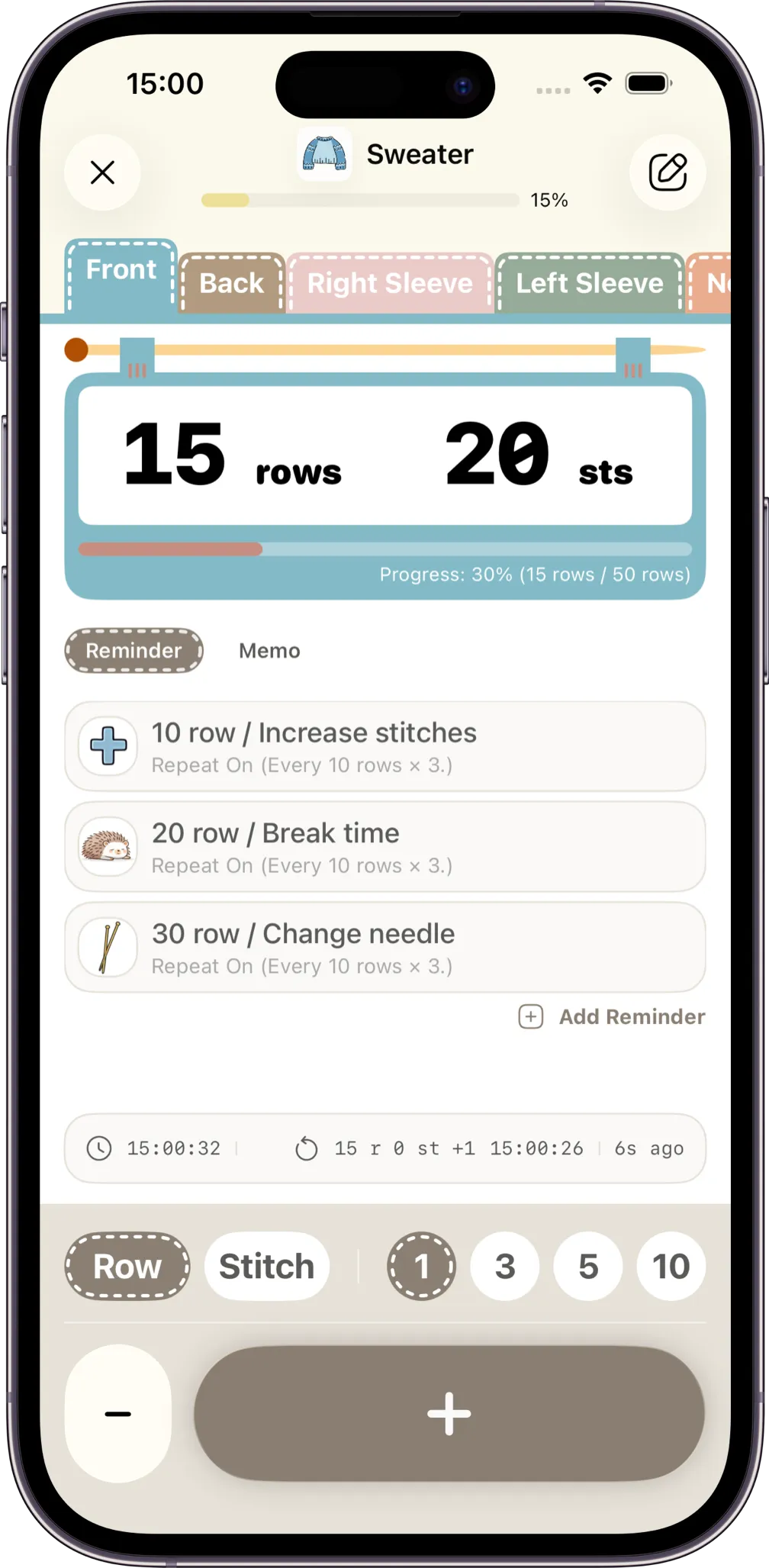
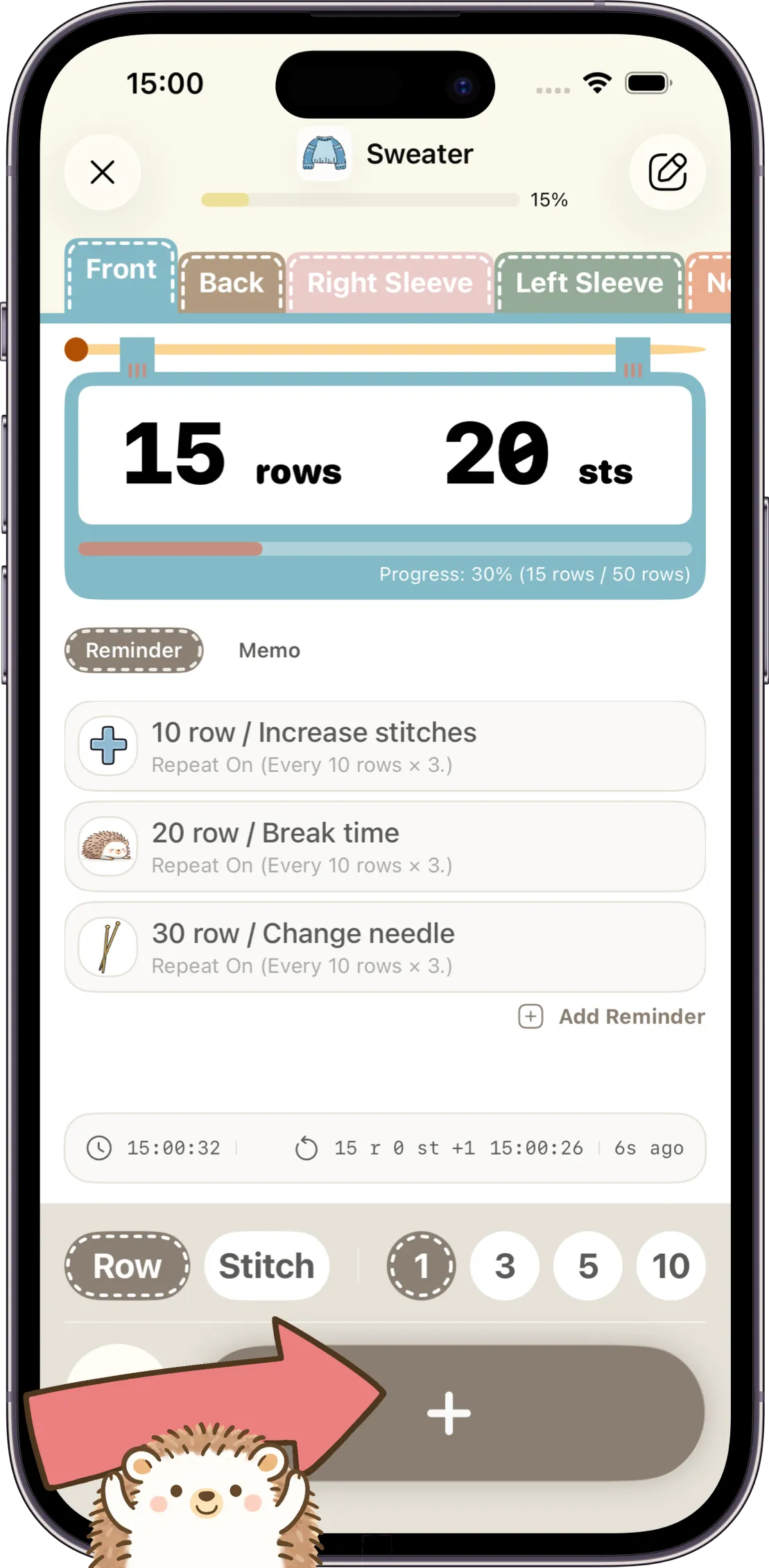
Tap to count rows and stitches. Use modes to adjust stitch changes by row and stay on track.
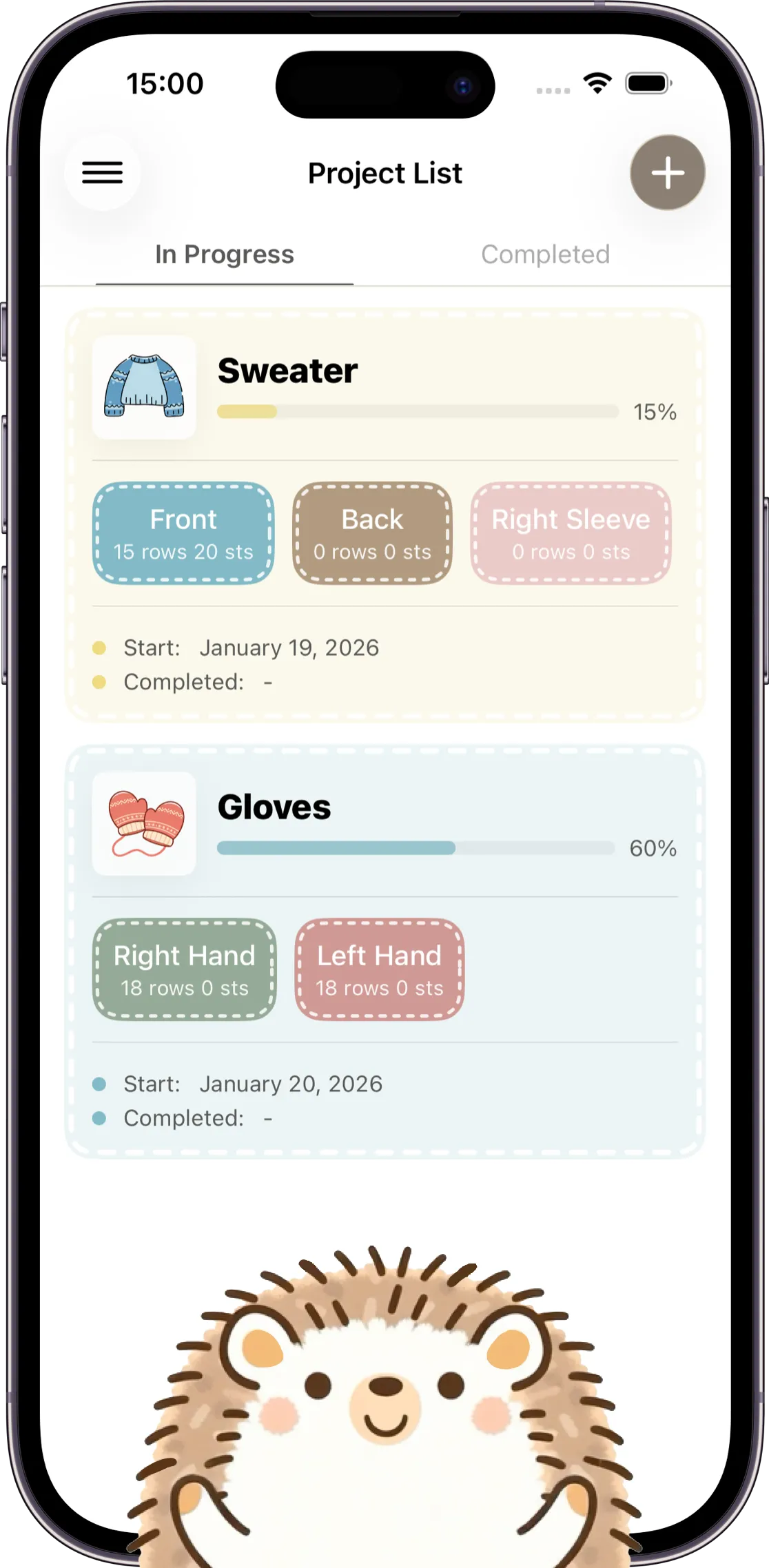
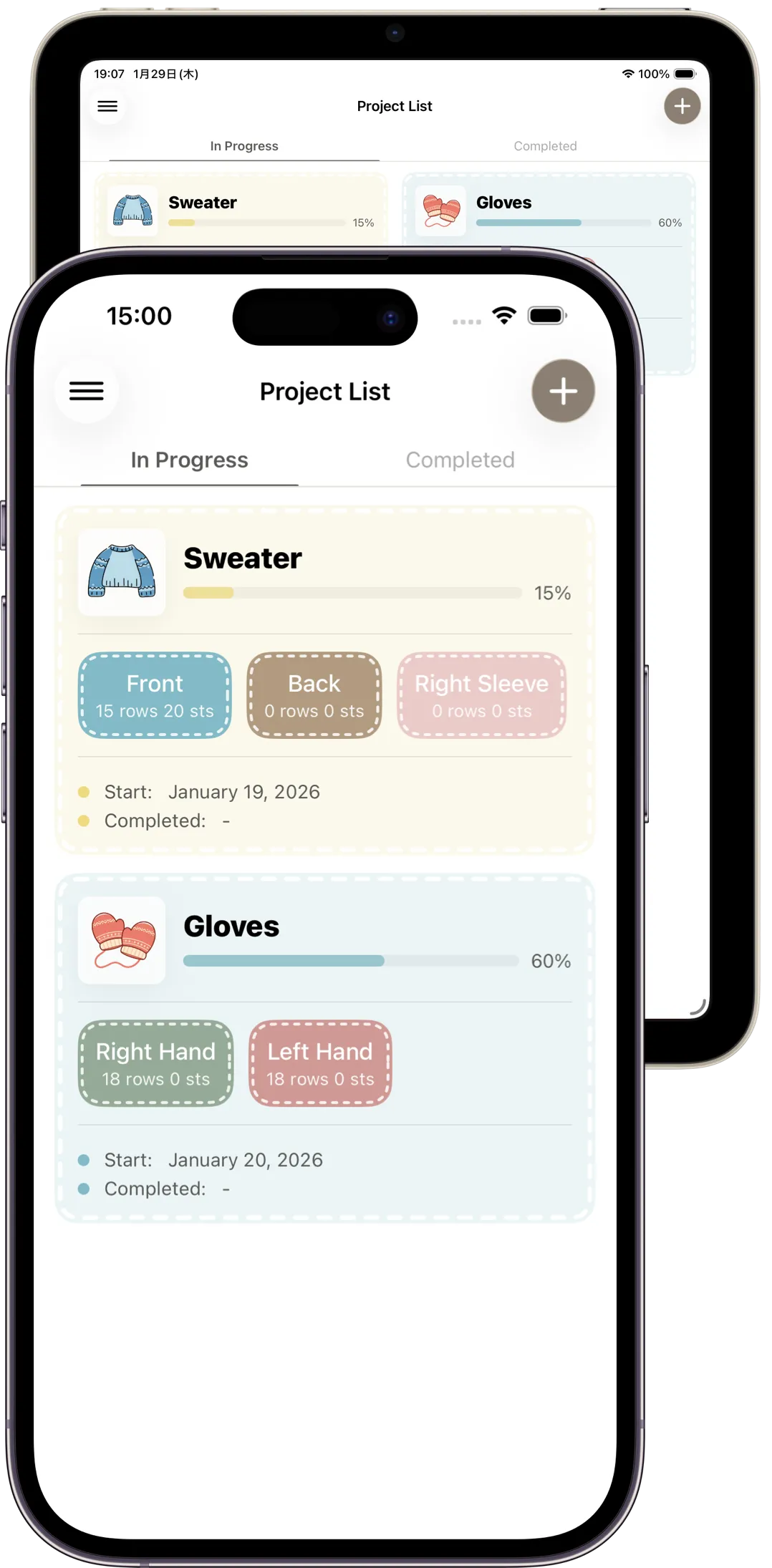
Manage projects with photos and notes — and keep multiple counters for each project.
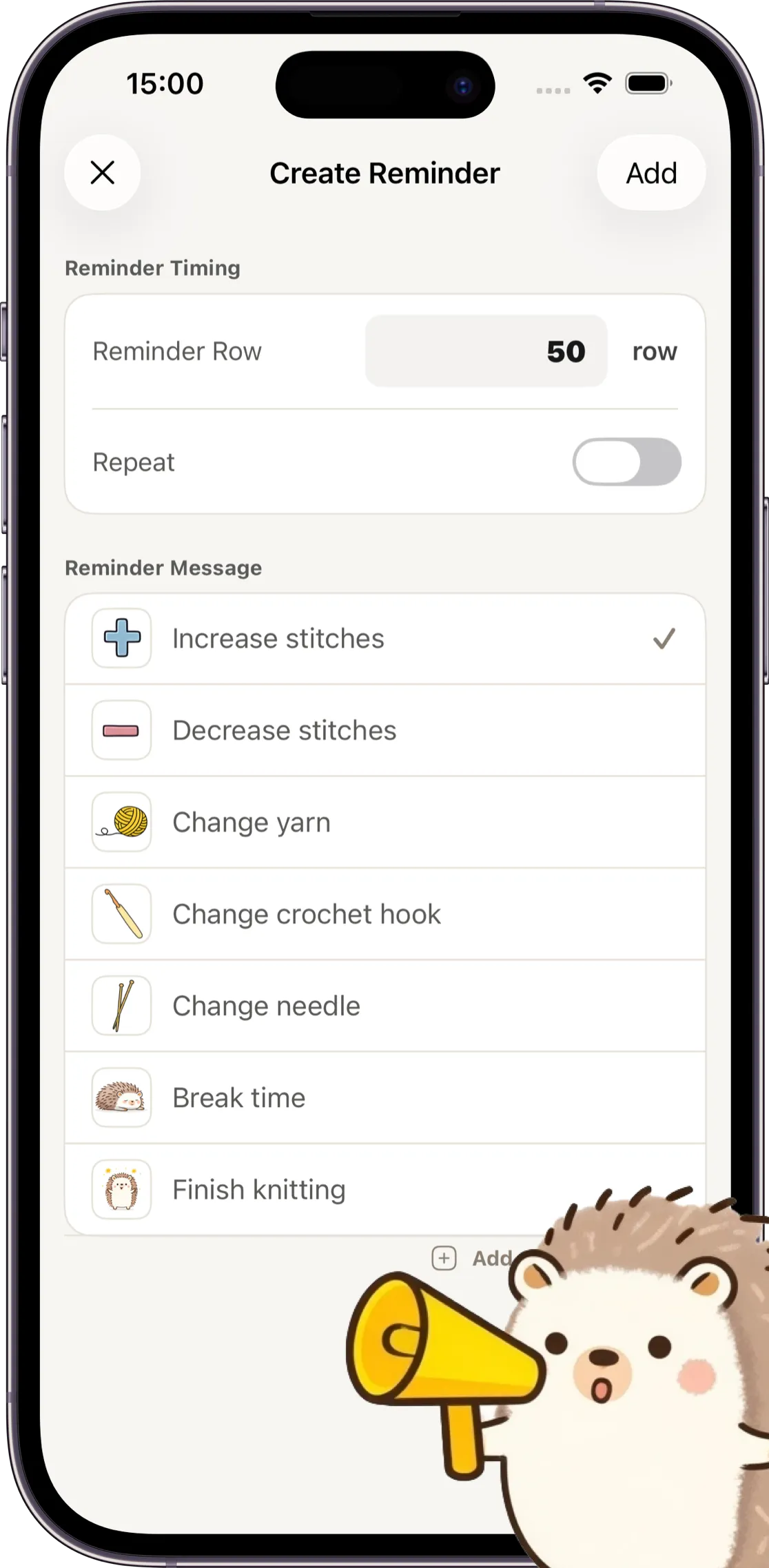
Get notified at your preset timing. Many users say it helps avoid mistakes and keeps them confident.
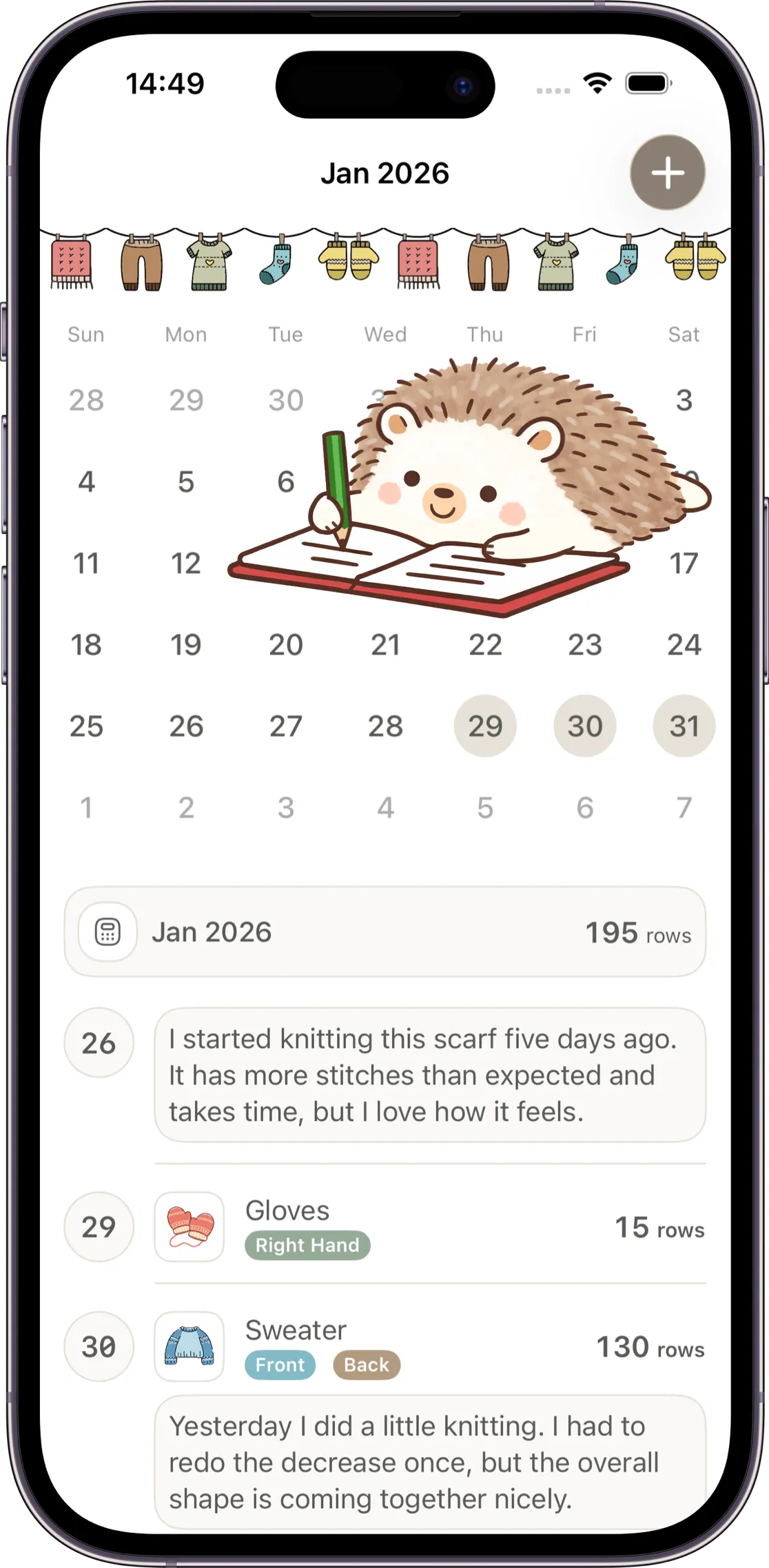
View all your knitting records in a calendar, and add diary notes to remember each day.
Sync all your data across devices — keep everything up to date on iPhone, iPad, and more.
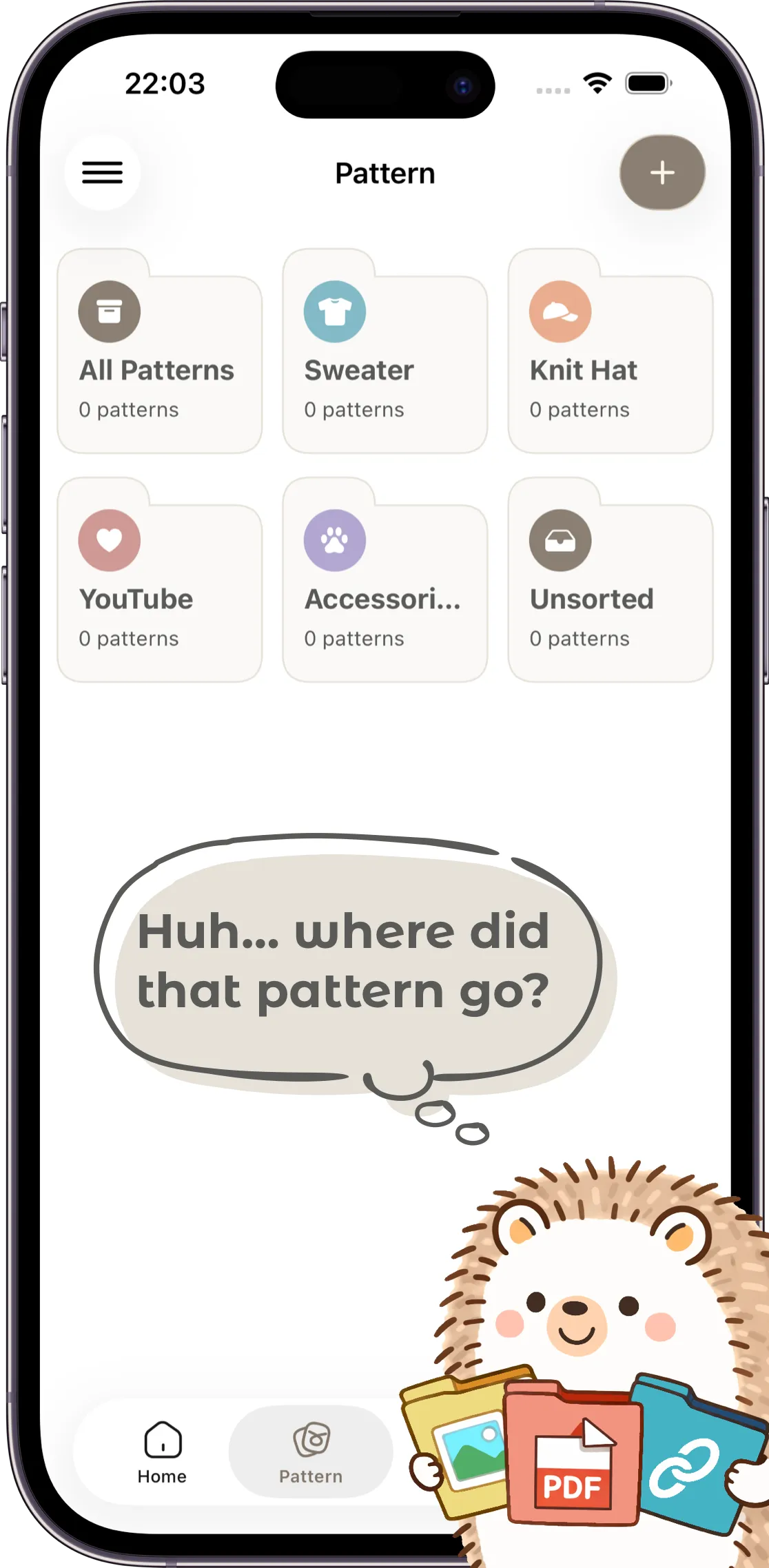
Count while viewing your patterns, and manage different sources like PDFs, images, YouTube, and websites all in one place.
Premium
Keep the free app easy to start, and add more room only when you need it.

Questions
Before downloading, check the common questions about free use, sync, and pattern management.
Most features are available for free. With Premium, you can enjoy even more helpful features more comfortably.
Yes. On iOS devices, your data is synced across your Apple devices through iCloud.
Can I count while viewing a pattern? Yes. If you register a pattern and link it to a counter, you can count while displaying the pattern.

Keep rows, notes, and patterns together, and return to your work in progress with less friction.